Upload portals are famously unhelpful when they refuse a file. "Invalid document." "Upload failed." "File does not meet requirements." None of those tell you what to change.
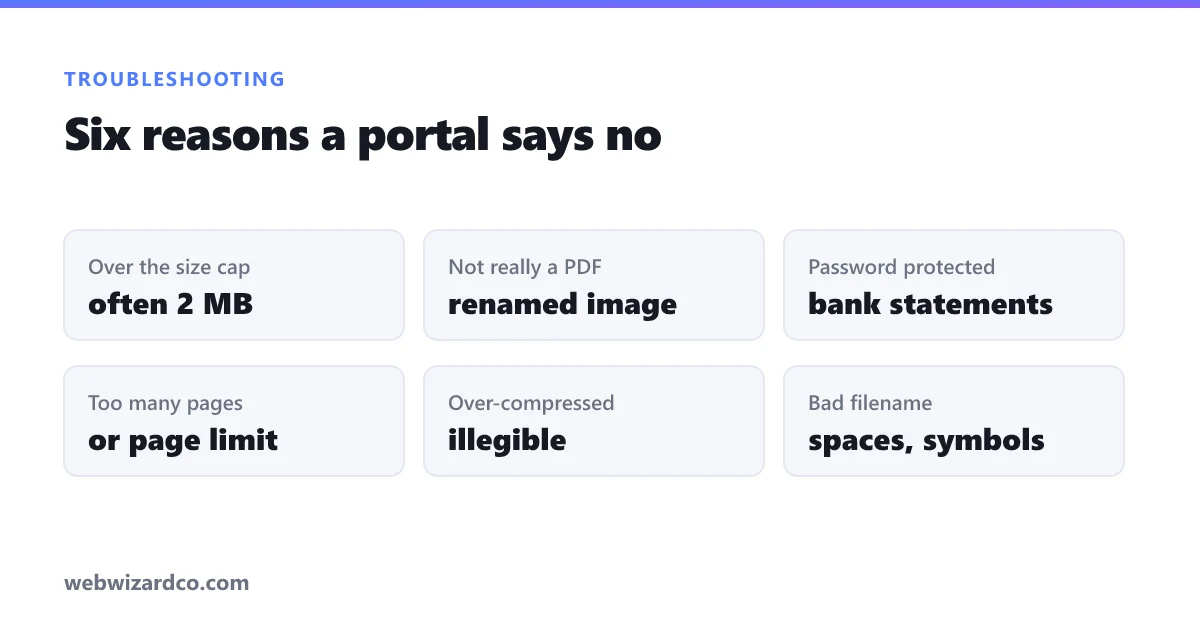
The good news is that the underlying causes are few, and each has a specific fix. Work down this table first — the answer is usually in the top three rows.
Start here
| What you see | What it usually means | Fix |
|---|---|---|
| "File too large" / upload bar stalls | Over the size cap, often 2 MB on government portals | Compress, grayscale, reduce resolution |
| "Invalid file type" with a .pdf file | It is not really a PDF, or the extension is wrong case | Re-export properly; rename .PDF to .pdf |
| "Document could not be read" | Password-protected or encrypted | Remove the password and save an unprotected copy |
| "Too many pages" / only page 1 accepted | Page-count limit, or the portal wants separate files | Split the PDF into the required parts |
| Upload succeeds but review says illegible | Over-compressed, or a bad scan | Rescan or recompress at higher quality |
| "Invalid filename" | Spaces, accents or symbols in the name | Use letters, numbers and hyphens only |
Size is the usual culprit
Government and visa portals commonly cap uploads at 2 MB, sometimes 500 KB. A scanned document runs to tens of megabytes, because each page is a photograph rather than text.
Three levers, in order of effect: drop the resolution to around 150 DPI, convert to grayscale if the document is black text on white, then reduce quality to roughly 70–80%. Scans typically shrink by 60–90% with all three. The PDF compressor applies all three, and this guide explains the trade-offs.
Aim comfortably under the cap. A file at 1.98 MB against a 2 MB limit is sometimes still refused, because systems disagree about whether a megabyte is 1,000,000 or 1,048,576 bytes.
A file named .pdf that is not a PDF
Renaming scan.jpg to scan.pdf does not convert anything. The bytes inside still say JPEG, and any portal that checks properly will refuse it.
Open the file — if it shows a picture rather than a document, that is your answer. Convert it properly with an image to PDF tool.
Occasionally the opposite happens: a valid PDF with the extension in capitals, .PDF, refused by a badly written validator that only checks for lowercase. Renaming genuinely fixes that one.
Password protection
Bank statements downloaded from online banking are frequently encrypted, sometimes with a password you never consciously set — often your date of birth or part of your account number. The file opens fine for you because your reader remembers it.
Portals cannot open it, and most tools cannot process it either. Open it in a PDF reader, enter the password, then print or export to a new PDF without protection. Your bank can usually supply an unprotected statement if you ask.
Page limits and split requirements
Some portals want each document uploaded separately rather than as one bundle — the opposite of the usual instruction. Others cap total pages.
Either way you need to break a PDF apart, which the merge and split tool handles: extract a page range, remove pages, or split into one file per page.
Legible to a person, not just to the uploader
The most frustrating rejection is the one that arrives days later saying the document could not be read. The upload worked; a human could not make out the detail.
Usually this is over-compression. Chasing a small file size, people push quality down until reference numbers and small print turn to mush. Always open the compressed file and read the smallest text before submitting. If you cannot read it comfortably at 100%, neither can the reviewer.
Sometimes it is the original scan: a shadow across the page, a photo taken at an angle, or part of the page cut off. No amount of processing fixes a bad capture — rescan it properly.
If none of that works
A few portals are simply broken. Before assuming your file is at fault:
- Try a different browser. Some upload widgets fail silently in Safari or on mobile.
- Try desktop rather than phone. Mobile uploads are the least tested path on most government sites.
- Disable extensions. Ad and script blockers occasionally break upload widgets.
- Check the actual file size in your file manager, not what a tool told you it would be.
And keep your originals. Once you have compressed and merged everything, the original scans are the only way to redo it if the portal changes its requirements halfway through your application — which, unfortunately, does happen.