Compress an image
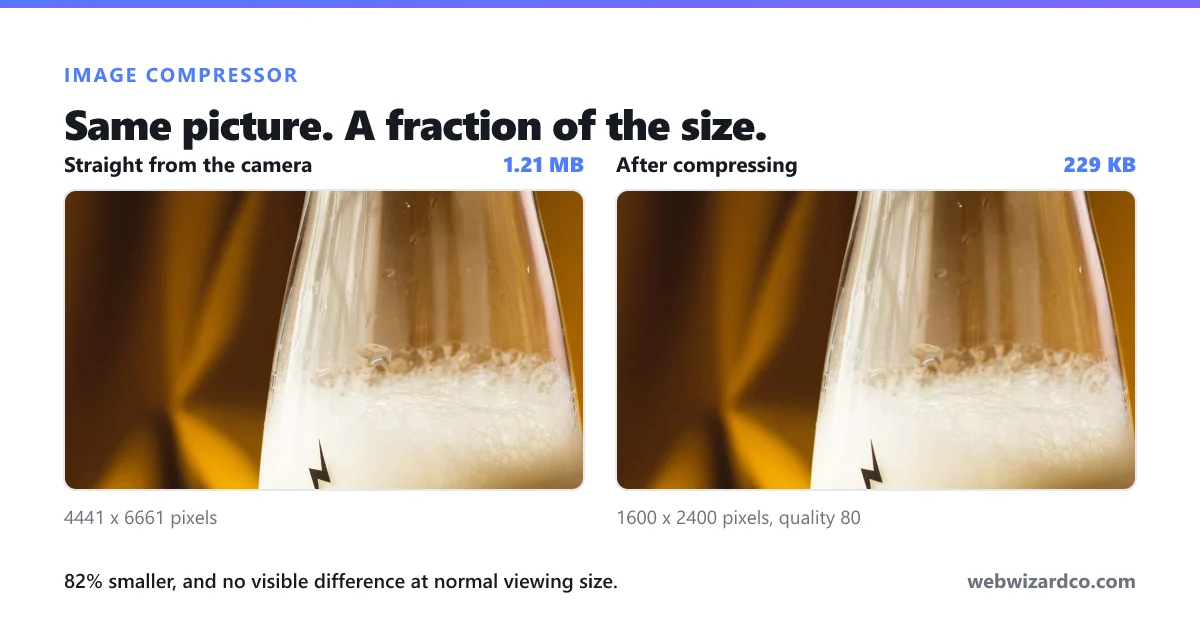
Shrink JPG, PNG & WebP with a live quality preview — processed privately in your browser.
Have several images? Try bulk mode (Pro) →
Free to use — no sign-up needed. Create a free account for 50 tracked compressions a month, or go unlimited.
Settings
Downscales if the image is wider than this. Great for web use.
One compression is counted only when you download.
How to compress an image
Shrink your image file size in three steps — free, and private in your browser.
1
Upload your image
Drag and drop, or click to choose a JPG, PNG or WebP.
2
Adjust quality and size
Pick a format, set the quality, and optionally a max width — with a live preview.
3
Download the smaller file
Save your compressed image, often a fraction of the original size.
Frequently asked questions
Is the image compressor free?
Yes — free with no watermark, and you can use it and download without signing up. A free account gives you 50 tracked compressions a month; paid plans are unlimited and ad-free.
Will compressing reduce quality?
You decide. Use the quality slider to balance file size against sharpness; the live preview shows the result before you download.
Can I compress an image to a specific size?
Lower the quality and/or set a max width to bring the size down — the live size readout helps you hit your target (for example under 100 KB).
Which formats can I use?
JPG, PNG and WebP. WebP usually produces the smallest files.
Are my images uploaded anywhere?
No — compression happens entirely in your browser.