PDF & image converter
Turn images into a PDF, or a PDF into images — processed privately in your browser.
Many images to convert? Try bulk mode (Pro) → · PDF too large? Compress a PDF → · Merge PDFs →
10 free conversions a month with a free account — Sign up · unlimited on paid plans
No images yet. Add some above — they'll be added to the PDF in order.
How to convert between PDF and images
Merge images into a PDF, or split a PDF into images — free, and private in your browser.
1
Pick a mode
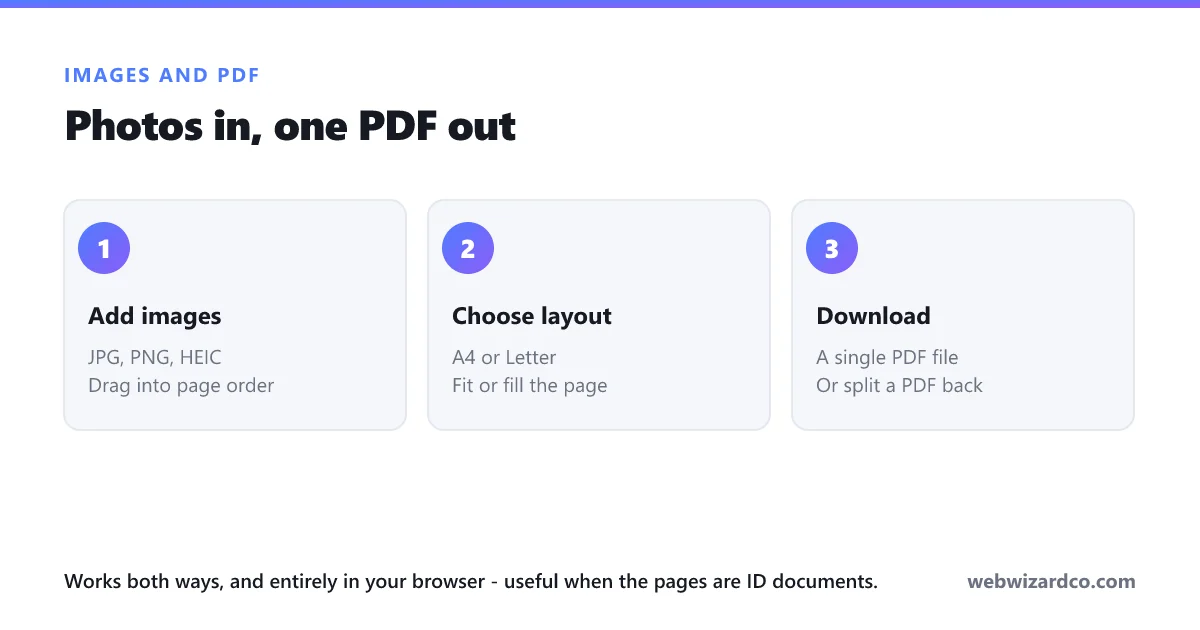
Choose “Images → PDF” to combine photos, or “PDF → Images” to extract pages.
2
Add your files
Drop in images (each becomes a page) or a single PDF.
3
Download
Save your PDF, or download every page as images in a ZIP — no watermark.
Frequently asked questions
How do I convert JPG to PDF?
Use “Images → PDF”, add your JPG or PNG files, pick a page size, and click Create PDF. Everything happens in your browser.
How do I convert PDF to JPG?
Use “PDF → Images”, choose your PDF, pick JPG and a resolution, and download all pages as a ZIP.
Can I combine several images into one PDF?
Yes. Add multiple images and they are placed on separate pages, in the order you added them.
Is it free?
Yes — completely free, no watermark and no sign-up.
Are my files uploaded anywhere?
No. Both conversions run entirely on your device — your files never leave your browser.