AI image upscaler
Enlarge and sharpen images 2× or 4× with AI — processed privately in your browser.
Have several images? Try bulk mode (Pro) →
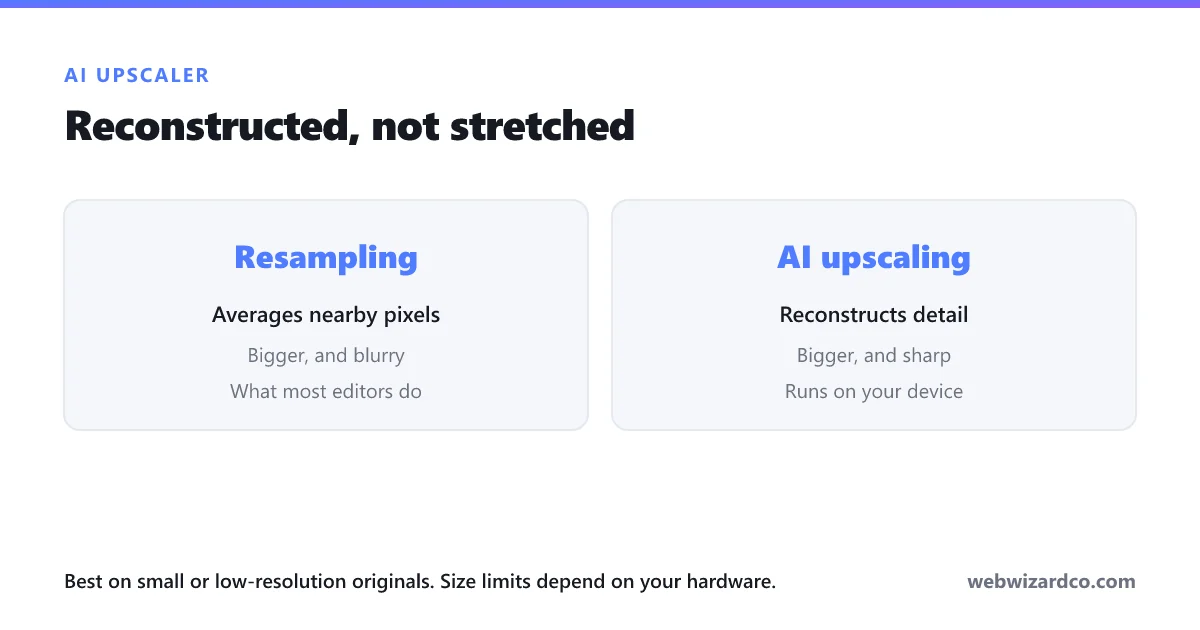
Best for small or low-resolution images — old thumbnails, scans, cropped shots. The AI runs on your own device, so images up to about 1100×1100 work well (smaller for 4×). Full-size phone photos are already high resolution and don't need upscaling. First run downloads a one-time AI model, then it's cached.
How to upscale an image
Enlarge and sharpen any photo in three steps — free, and right in your browser.
1
Upload your image
Drag and drop, click to choose, or paste a JPG, PNG or WebP.
2
Choose 2× or 4×
Pick how much to enlarge — the AI adds real detail instead of blur.
3
Download the result
Save your sharper, higher-resolution image.
Frequently asked questions
Is the AI image upscaler free?
Yes — it is completely free and runs in your browser, with no watermark.
How much can I enlarge an image?
You can upscale 2× or 4×. Very large images take longer and use more memory.
Does it work on old or very low-resolution photos?
Yes — old family photos, scans and early digital camera shots are the best use case, because the AI reconstructs detail instead of stretching pixels. Note that it produces plausible detail rather than recovering exactly what was there, so it is ideal for restoring and printing but is not a factual record.
Does it work on pixelated screenshots and text?
Less well. The model is trained on natural photographs, so text, UI elements and line art can come out looking odd. It works best on photos of real-world scenes and people.
Is there a file size or resolution limit?
We do not impose one, because nothing is uploaded — the limit is your own device's memory. Images are processed in small tiles to keep memory use low, so large files work but take longer. Start with 2× before trying 4×, especially on a phone.
Can I upscale several images at once?
Yes, with bulk mode on a paid plan. It deliberately processes one image at a time so the browser does not run out of memory on a large batch.
Does upscaling reduce quality?
No. Unlike simply resizing, the AI reconstructs detail and sharpens edges, so the result looks clearer rather than blurry. It does sharpen existing flaws too, so start from the best original you have — not a messaging-app copy, which will have been recompressed.
What file types are supported?
JPG, PNG and WebP. You get a high-quality PNG back.
Are my images uploaded anywhere?
No. Everything is processed on your device — your images never leave your browser.