Merge PDF files
Combine PDFs into one, or pull pages out of one — processed privately in your browser.
PDF too large afterwards? Compress a PDF → · Need images ↔ PDF? PDF & image converter →
10 free PDF jobs a month with a free account — Sign up · unlimited on paid plans
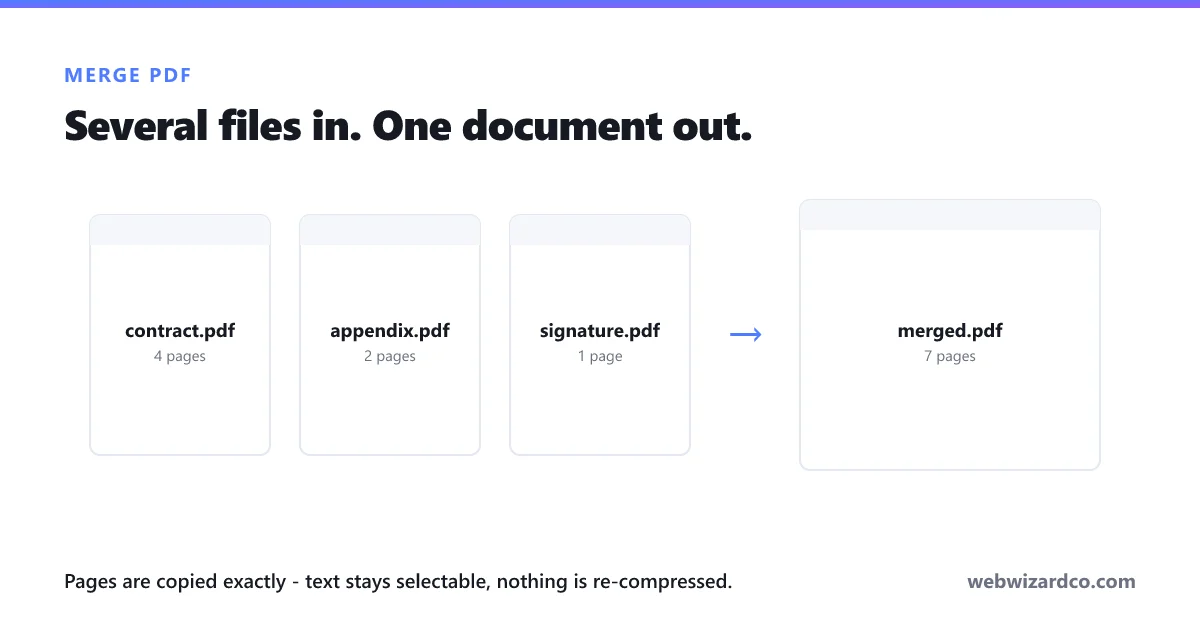
Merging keeps your pages exactly as they are — text stays selectable and searchable, and nothing is re-compressed or rasterised. The documents are opened and rebuilt on your own device.
How to merge PDF files
Combine documents in three steps — free, and private in your browser.
1
Add your PDFs
Drag in as many files as you like, or click to choose them.
2
Put them in order
Move files up or down until the sequence is right.
3
Merge and download
One combined PDF — no watermark, and nothing uploaded.
Frequently asked questions
How do I merge PDF files for free?
Add your PDFs above, arrange them in the order you want, and download the combined file. It runs in your browser, so nothing is uploaded to a server and there is no watermark.
Does merging reduce the quality?
No. Merging copies the pages across exactly as they are — text stays selectable, images are untouched and nothing is re-compressed. This is different from compressing a PDF, which does change the pages.
Is there a limit on file size or number of files?
We do not impose one. Everything runs on your device, so your available memory is the practical limit. Very large documents take longer and use more memory.
Can I remove pages from a PDF?
Yes. Use the Split tab, enter the pages you want, and choose whether to keep or remove them. You can also split a document into one file per page.
Can I merge password-protected PDFs?
Not while they are encrypted. Open the file in a PDF reader, remove the password or save an unprotected copy, then merge that.
Are my documents uploaded anywhere?
No. The files are opened and rebuilt entirely in your browser, which matters for the kinds of documents people usually merge — statements, contracts, applications and ID scans.