Choosing the wrong image format costs you either quality or load speed. Here's what actually separates the three formats you'll meet most often — and a simple rule for picking one.
The one distinction that explains everything: lossy vs lossless
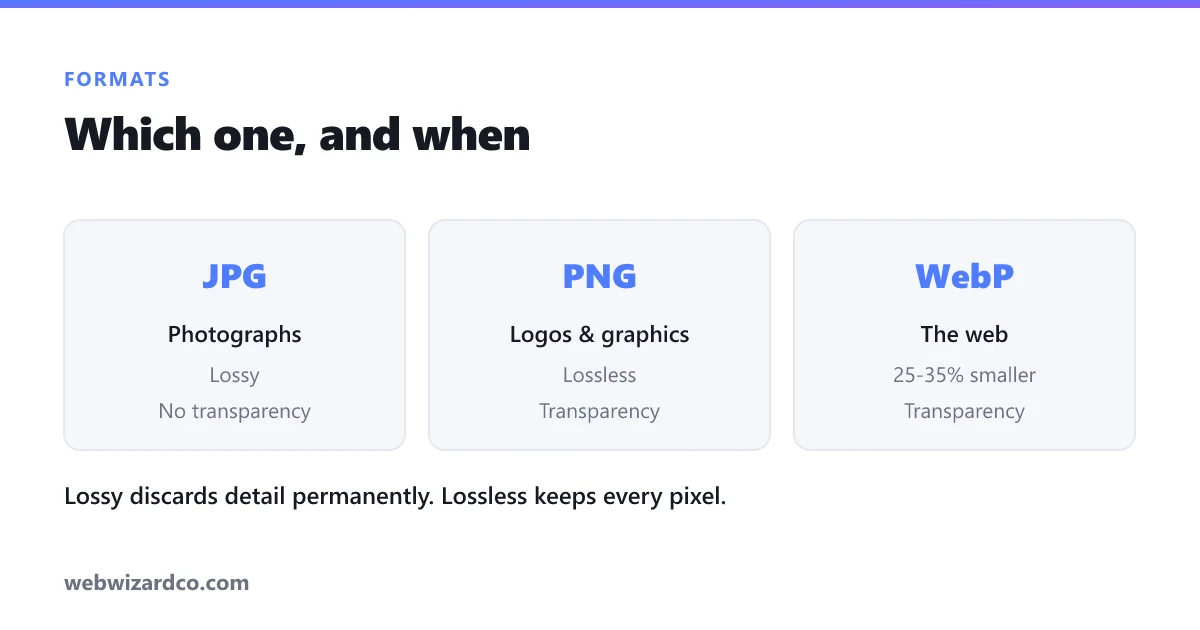
Lossy formats (JPG, and WebP in lossy mode) permanently discard detail your eye is unlikely to notice. That's how they get so small. Lossless formats (PNG, and WebP in lossless mode) reproduce every pixel exactly — perfect fidelity, bigger files.
Photographs have millions of subtly different colours, so discarding a little detail is invisible — lossy wins. Graphics have large flat areas and hard edges, where lossy compression produces visible fuzz around lines — lossless wins.
JPG (JPEG)
Use for: photographs. Nearly 30 years old and supported by literally everything. Compresses photos extremely well at quality 75–85.
- ✅ Universal support, small files for photos, adjustable quality
- ❌ No transparency; degrades if repeatedly re-saved; poor for text and sharp edges
PNG
Use for: logos, screenshots, graphics, anything needing transparency. Lossless, with a full alpha channel — so cut-outs sit cleanly on any background.
- ✅ Perfect quality, transparency, crisp text and lines, safe to re-save repeatedly
- ❌ Much larger than JPG for photographs
If you're removing a background, your result should be a PNG — that's the only one of these three that keeps transparency reliably. Our background remover always outputs a transparent PNG.
WebP
Use for: the web, when you control the format. Google's format does both lossy and lossless, supports transparency, and is typically 25–35% smaller than JPG at equivalent quality. Every modern browser supports it.
- ✅ Smallest files, transparency, both lossy and lossless modes
- ❌ Some older desktop software and a few platforms still can't open it
That last point is why people search for WebP to JPG — you download a WebP from the web and an older app refuses it. Converting takes seconds.
What about HEIC?
Worth knowing since it's probably on your phone: HEIC is Apple's format for iPhone photos. It's efficient but poorly supported outside Apple's ecosystem, which is why Windows often can't open it. Convert to JPG for sharing — see HEIC to JPG.
The quick decision rule
- Photo, needs to work everywhere → JPG
- Photo, for your own website → WebP
- Logo, screenshot, icon, or needs transparency → PNG
- iPhone photo you need to share → convert HEIC → JPG
Converting between them
Our image converter handles all of these — JPG, PNG, WebP and HEIC — entirely in your browser, so nothing is uploaded. Two things to remember when converting:
- Converting to JPG flattens transparency to a solid background (usually white), because JPG has no alpha channel.
- Converting JPG to PNG doesn't restore quality. Detail already discarded by JPG is gone; PNG just prevents any further loss.