DPI causes more confusion than any other image setting. A printer asks for 300 DPI, a website says it doesn't matter, and someone tells you to "just change it in the settings." Here's what's actually going on.
The one thing to understand
An image file contains a fixed number of pixels. That's it. A photo might be 3000 × 2000 pixels — six million pixels, full stop.
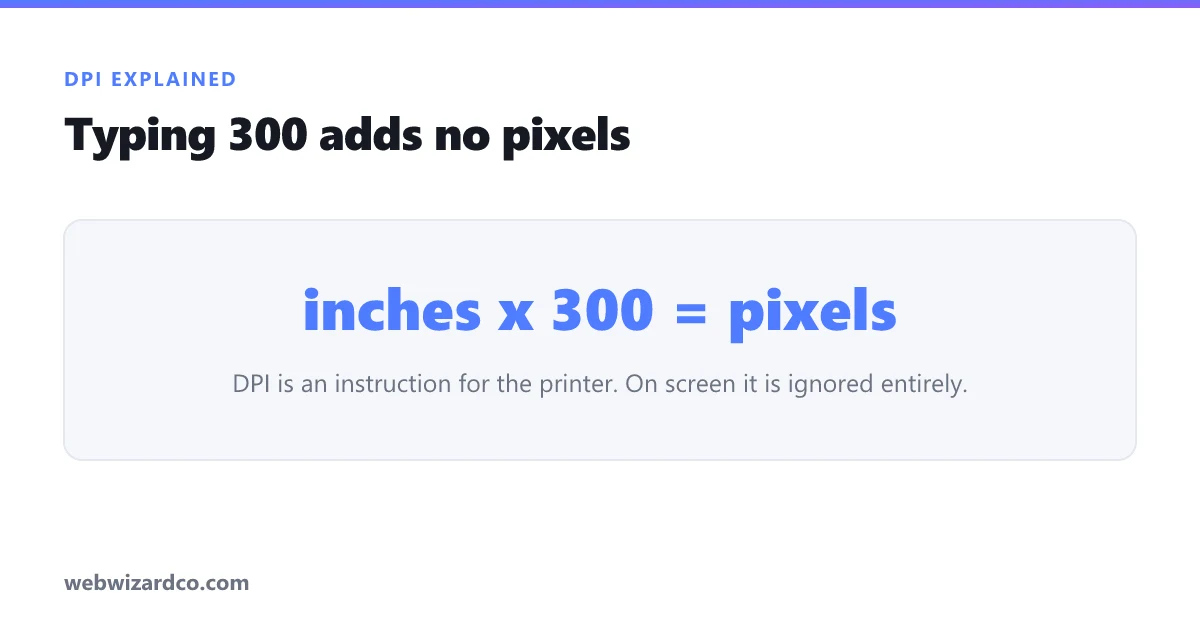
DPI (dots per inch) is not stored detail. It's an instruction that says: "when printing, put this many pixels into each inch of paper." It's a number attached to the file that only matters at the moment of printing.
So: pixels are the substance; DPI is a note about how densely to pack them on paper.
Why DPI is meaningless on screen
Screens don't use DPI. A browser, phone or TV shows an image pixel-for-pixel. A 1000 × 1000 image looks identical on a website whether it's tagged 72 DPI or 300 DPI, because the tag is ignored entirely.
This is why "save it at 72 DPI for the web" is outdated advice — 72 came from old Mac monitors and has been irrelevant for years. For the web, only pixel dimensions matter.
Why DPI genuinely matters for print
Paper has no pixels, so the printer needs to know how tightly to pack them. The standard for quality printing is 300 DPI — at that density the human eye can't distinguish individual dots.
The formula is simple:
Pixels needed = inches × 300
- 4 × 6 inch photo → 1200 × 1800 pixels
- 8 × 10 inch print → 2400 × 3000 pixels
- A4 (8.27 × 11.7 in) → about 2480 × 3508 pixels
- US passport photo, 2 × 2 in → 600 × 600 pixels
That last one is why passport photo requirements are stated as both inches and pixels — see our passport photo size guide.
The trap: changing DPI doesn't add quality
If software lets you type "300" into a DPI box without resampling, nothing improves. The pixels are unchanged; you've only changed the printing instruction, so the image prints smaller. Changing 72 → 300 DPI on a 500px image does not make it print-ready; it makes it print at 1.67 inches.
To genuinely make an image suitable for a larger print you need more pixels, which means either a higher-resolution original or AI upscaling, which reconstructs plausible detail rather than just stretching.
Large prints are the exception
300 DPI is for things held at reading distance. Viewing distance changes everything:
- Photo print / magazine: 300 DPI
- Poster viewed from a metre or two: 150 DPI is fine
- Large banner viewed from across a room: 72–100 DPI is plenty
A billboard is often printed at under 20 DPI — it looks like abstract blobs up close and perfectly sharp from the road.
Quick answers
"Is my image big enough to print?" Multiply the print size in inches by 300. If your pixel dimensions meet that, yes.
"What DPI for a website?" Irrelevant — set the pixel size instead, using the resizer.
"What about PPI?" Pixels per inch — technically the correct term for digital images, while DPI describes printer dots. In everyday use people mean the same thing.