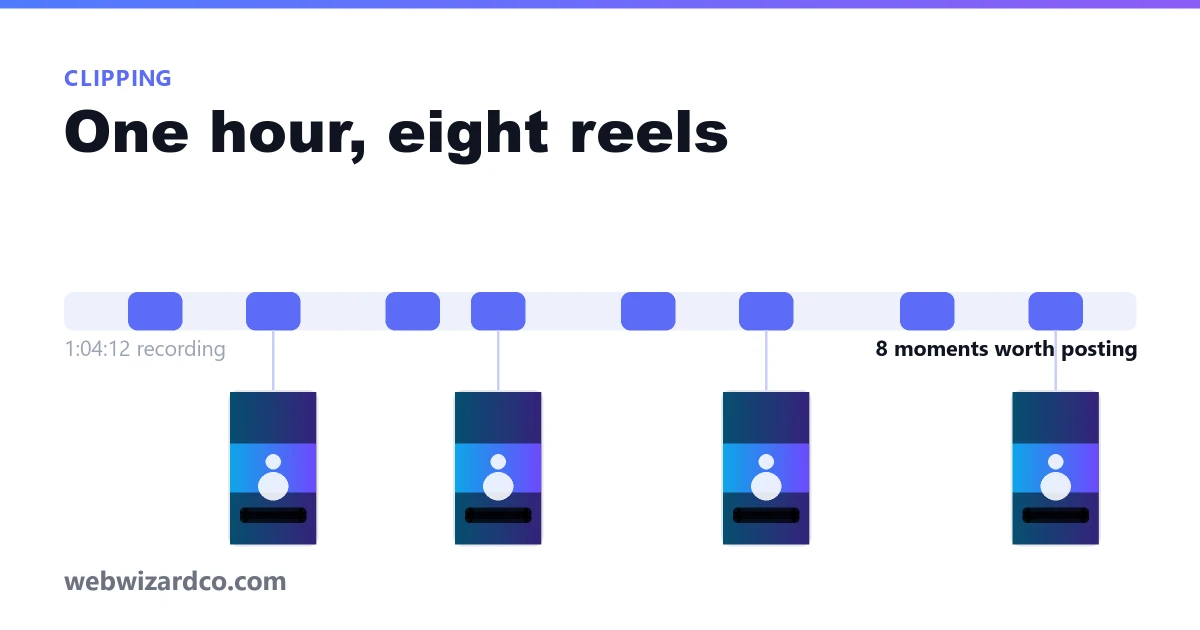
A single hour-long recording — a webinar, a podcast, an interview, a tutorial — usually contains six to ten moments that stand on their own. Cutting them out is the easy part. Choosing them is the part people get wrong, and it is why so many clipped reels get three hundred views.
Find the moments before you open an editor
Watch the recording once at 1.5x with a notepad open and write down timestamps where one of four things happens:
- A claim that could start an argument. "Most people should not be investing in index funds" earns a stop. "Index funds are a good option" does not.
- A number that sounds wrong but isn't. Specific figures are inherently watchable, because the viewer wants to know whether to believe them.
- A question answered in one breath. If the answer takes forty seconds and needs no setup, it is already a clip.
- A moment of genuine reaction — laughing, hesitating, being corrected. These do not survive scripting, which is exactly why they hold attention.
What almost never works as a clip: introductions, "so as I was saying", anything that needs the previous five minutes to make sense, and your own favourite bit of nuance. Nuance is what the long version is for.
Start late and end early
The single biggest improvement to a clip is cutting the first three seconds off it. Most speakers take a run-up — "yeah, so, I think what's interesting here is…" — and the clip should begin on the word that matters. The same goes for the end: stop on the last useful word, not on the trailing "…right?" or the pause while the other person nods.
Thirty seconds is a good target. If a moment genuinely needs ninety, keep ninety — but check that every one of those seconds is doing work.
Reframe it for a vertical screen
Your source is almost certainly 16:9 and your destination is 9:16. Something has to give, and you have three honest options. We wrote about choosing between them in detail, but briefly: crop to fill when one subject sits in the middle of frame, use blurred bars when the shot has two people or on-screen text you cannot afford to lose, and use plain black bars when you want the result to be obviously a clip from something longer.
Whatever you pick, check what sits in the bottom fifth of the frame. On every vertical platform that space is covered by the caption, the username and the buttons. If your subject's face or your key text is down there, move it.
Caption it, because most people will not hear it
The majority of short-form video is watched with the sound off, at least for the first few seconds. Captions burned into the picture show up regardless of whether the viewer has subtitles switched on and regardless of whether the platform generated any.
If you already have a transcript, you can import an .srt or .vtt and the timings come with it. If you do not, typing the lines for a thirty-second clip takes a couple of minutes. Keep each caption to a handful of words — a full sentence on screen is a wall, and nobody reads walls on a phone.
Doing it without downloading anything
The reel maker does all of this in your browser. Drop in the file, drag the trim handles, pick the shape, add your captions and export an MP4 with no watermark. Nothing is uploaded, which matters when the recording is a client call that has not been published yet.
If the long version is already published, get the original file back rather than working from the uploaded copy — YouTube Studio and Vimeo both let you download your own videos. You will be editing what you shot instead of what the platform re-compressed, and the difference is visible once it is cropped to a tall frame.
Post more of them than feels reasonable
Clips are cheap once the recording exists. The usual mistake is making one, watching it underperform, and concluding that clipping does not work. The moment you cannot predict which clip lands is the moment to publish all eight and let the numbers tell you which instinct was right.