A digital signature image is genuinely useful: sign contracts without printing, add a signature block to emails, finish PDFs in seconds. The catch is that a photo of your signature comes with a paper background attached. Here's how to get a clean transparent version.
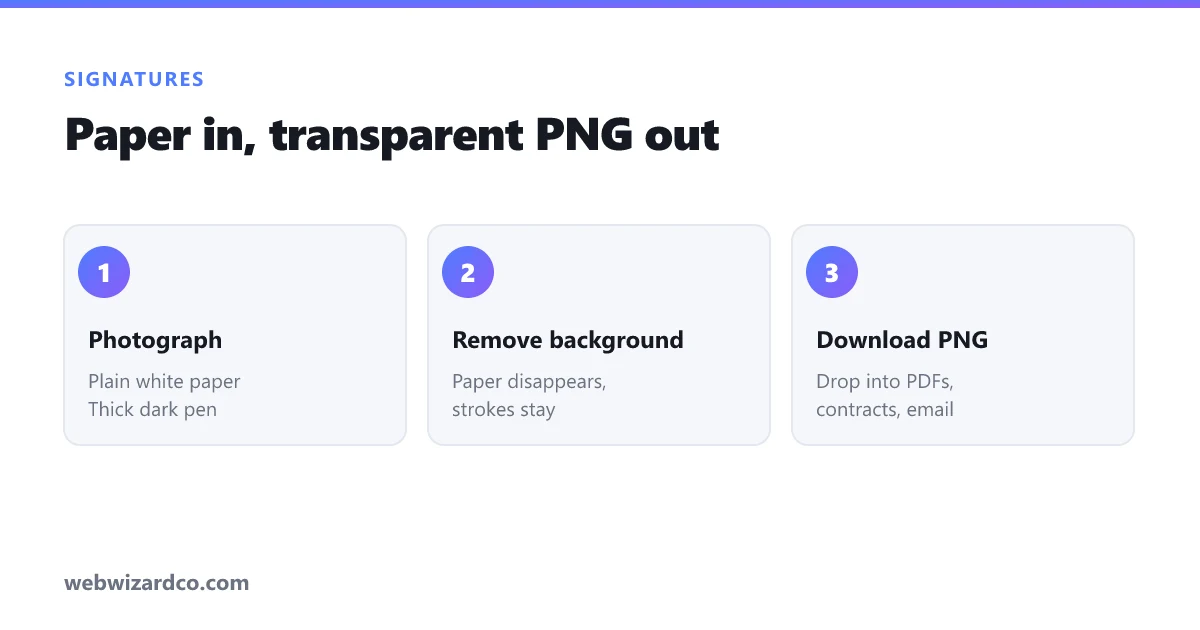
Step 1: Capture it properly
The quality of your final PNG is decided here, not in the editing.
- Use a thick black pen — a fine ballpoint produces thin, patchy strokes that vanish when cut out. A marker or gel pen is ideal.
- Sign on plain white unlined paper. Lines and grids get picked up as part of the image.
- Sign larger than usual — fill a good portion of the page. More pixels means smoother edges.
- Shoot in bright, even light, camera straight above the paper. Avoid shadows falling across the page.
- Don't use flash — it creates a hotspot and harsh shadows.
A flatbed scanner gives the best result if you have one, but a phone photo in daylight is perfectly good.
Step 2: Remove the background
- Open the background remover and upload your photo.
- The AI separates the ink from the paper and returns a transparent PNG.
- Download it.
Because this runs in your browser, your signature — which is sensitive — is never uploaded to anyone's server. That matters more here than for a holiday photo.
Step 3: Crop and tidy
Use the cropper to trim tight to the signature so there's no huge empty margin around it. A tightly cropped PNG drops into a document at the right size without fiddling.
Using it
- Word / Google Docs — Insert → Image, then set text wrapping to "in front of text" so you can position it over a signature line.
- PDFs — most PDF readers have a "Fill & Sign" tool that accepts a PNG.
- Email signatures — keep it small (around 200–300px wide) and compressed, so it doesn't bloat every email you send.
Common problems
Signature looks faded or broken. The pen was too thin or the light too dim. Re-shoot with a thicker pen — this fixes it far more reliably than editing.
Grey box around it. You saved as JPG somewhere in the process. JPG can't store transparency. Keep it as PNG throughout.
Edges look rough. Usually a low-resolution source. Sign bigger and photograph closer.
A word on security
Be sensible with this file. An image of your signature can be copied and reused by anyone who gets it, so:
- Don't post it publicly or attach it to anything that will be widely circulated.
- Prefer proper e-signature services (with audit trails and identity verification) for anything legally significant — a pasted image is convenient, not legally equivalent.
- Keep the file somewhere private, not in a shared folder.
For everyday forms and internal documents, though, a clean transparent PNG saves a lot of printing and scanning.