Product photos do more selling than product descriptions. Marketplaces know this, which is why they enforce image rules — and why non-compliant images get suppressed from search or rejected outright. Here's what each platform actually requires.
The pure-white background rule
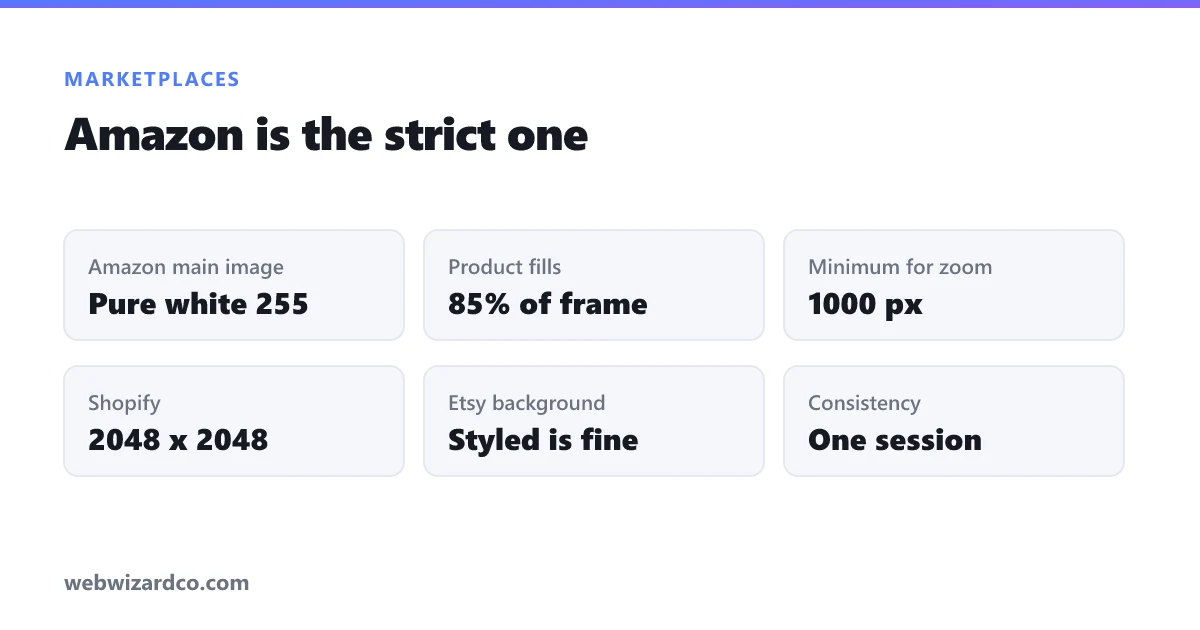
Amazon requires the main image of every listing to be on a pure white background (RGB 255, 255, 255). Not off-white, not light grey, not "white-ish" from your kitchen table. Amazon's systems check this, and a near-white background is one of the most common reasons a main image is rejected.
This is why cutting out the background matters: once your product sits on transparency, you can place it on guaranteed pure white — and reuse the same cut-out on a coloured lifestyle background later.
Requirements by platform
Amazon
- Main image: pure white background, product fills at least 85% of the frame
- Minimum 1000px on the longest side (required for zoom); 1600px+ recommended
- No logos, watermarks, text, borders, or props in the main image
- Square (1:1) is the safest aspect ratio
Shopify
- No forced background rule — but be consistent across your catalogue; mixed backgrounds look amateurish
- 2048 × 2048 recommended for high-resolution zoom
- Keep files small so pages stay fast — see the compression note below
eBay
- Minimum 500px on the longest side; 1600px recommended for zoom
- No added borders, text or artwork on the photo
- White or very plain backgrounds convert best
Etsy
- 2000px on the shortest side recommended
- Landscape (4:3) crops well in Etsy's grid
- Lifestyle shots are welcome here — Etsy buyers respond to context, unlike Amazon
The workflow
- Shoot on any plain surface. You don't need a lightbox — good diffuse light (a big window, no direct sun) and a plain sheet of paper will do.
- Cut out the background. Drop the photo into the background remover; you get a transparent PNG in seconds.
- Place it on pure white. Use the resizer with "fit inside" and a white background — this also sets your square dimensions in the same step.
- Compress before uploading. A 2048px PNG can be 4 MB; the same image as a quality-85 JPG is often under 300 KB with no visible difference. Faster pages convert better.
If you have a whole catalogue, bulk mode processes many images at once and returns them as a ZIP.
Photography tips that beat editing tricks
- Diffuse light, always. Direct sun and bare bulbs create hard shadows that are hard to cut around cleanly.
- Shoot from slightly above eye level for most products — it reads as natural.
- Fill the frame when shooting. Cropping in later throws away resolution you may need for zoom.
- Watch reflective and transparent products. Glass, jewellery and chrome are the hardest to cut out — shoot them against a background that contrasts strongly.
- Be consistent. Same angle, same lighting, same crop across a catalogue makes a store look professional more than any single hero shot.
Why the extra images matter as much as the main one
Amazon allows up to nine images; most sellers upload three. The main image gets the click, but the secondary images — scale references, detail shots, in-use context, packaging — are what close the sale. Use the cut-out on white for image one, then get creative with the rest.
Everything here runs in your browser, so your product photography is never uploaded to a third-party server before it's live.