Almost every official process — visa applications, job portals, university admissions, insurance claims — asks for documents as a single PDF. Meanwhile your documents are photos on your phone. Here's how to bridge that gap in a few seconds.
Why forms insist on PDF
PDF holds multiple pages in one file, renders identically on every device, and can't be accidentally re-cropped or rotated the way an image can. That's why a form that would accept ten photos in principle asks for one PDF in practice: it's one attachment that always looks the same on the reviewer's screen.
Images to PDF
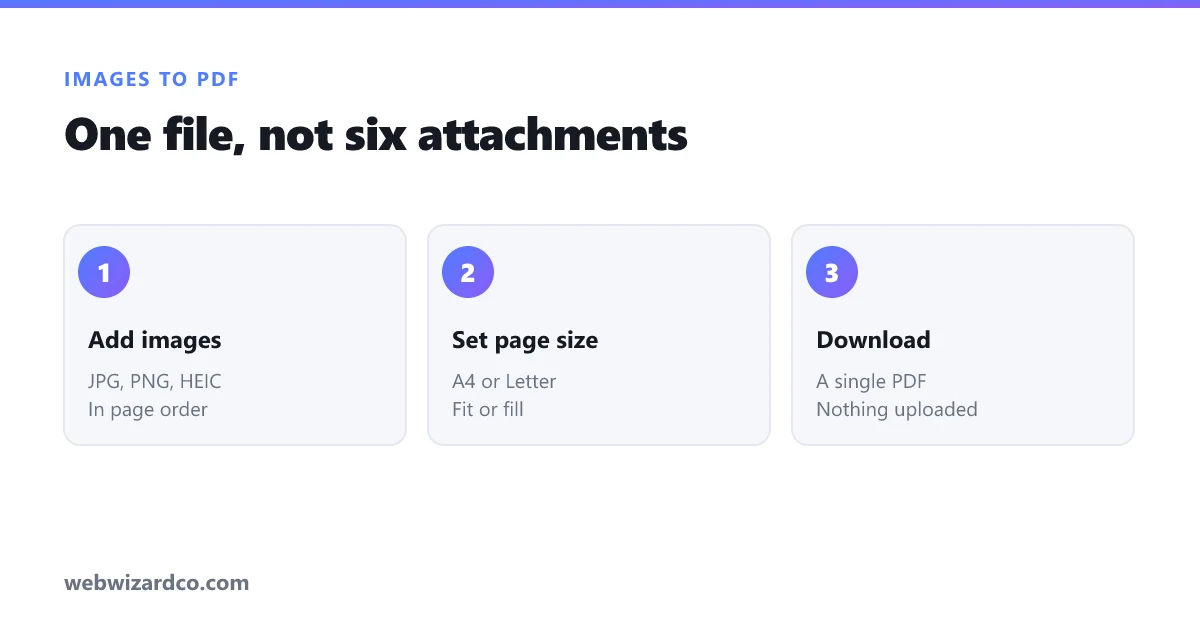
- Open the PDF tool on the "Images → PDF" tab.
- Add your photos — each becomes a page, in the order you add them.
- Pick a page size: fit to each image (no borders, good for screenshots), or A4 / Letter (best when it will be printed).
- Click Create PDF.
Everything happens in your browser, which matters here more than usual: the documents people convert are typically passports, bank statements and certificates. Ours are never uploaded to a server.
Tips for document photos
- Shoot straight down in even light — angled photos look unprofessional and can be rejected.
- Crop to the document edges before converting, so there's no desk in the frame.
- Choose A4 if the recipient will print it; fit to image if it's screen-only.
- Compress the photos first if there's an upload size cap — a PDF of ten uncompressed phone photos can easily exceed 20 MB. Run them through the compressor first.
PDF to images
The reverse is just as common — you need one page of a PDF as a JPG for a form, a slide, or a social post.
- Switch to the "PDF → Images" tab and choose your PDF.
- Pick JPG or PNG and a resolution (higher = sharper and larger).
- Save individual pages, or download them all as a ZIP.
Use PNG if the PDF is text-heavy or a diagram (crisper lines), JPG if it's photographic or you need small files.
Common questions
Will the quality drop? Converting images to PDF re-encodes them, so use good-quality sources. Going PDF → image renders at whatever resolution you choose — pick "high" if you'll print it.
Can I reorder pages? Add the images in the order you want them; you can remove any image from the queue before creating the PDF.
Is there a file limit? No artificial one — but very large batches use more memory, since everything is processed on your own device.
Direct links if you know what you need: JPG to PDF · PDF to JPG