Upload a photo at the wrong size and the platform crops it — often cutting off exactly the part that mattered. Here are the sizes that fit each network in 2026, with a one-click preset for each.
The cheat sheet
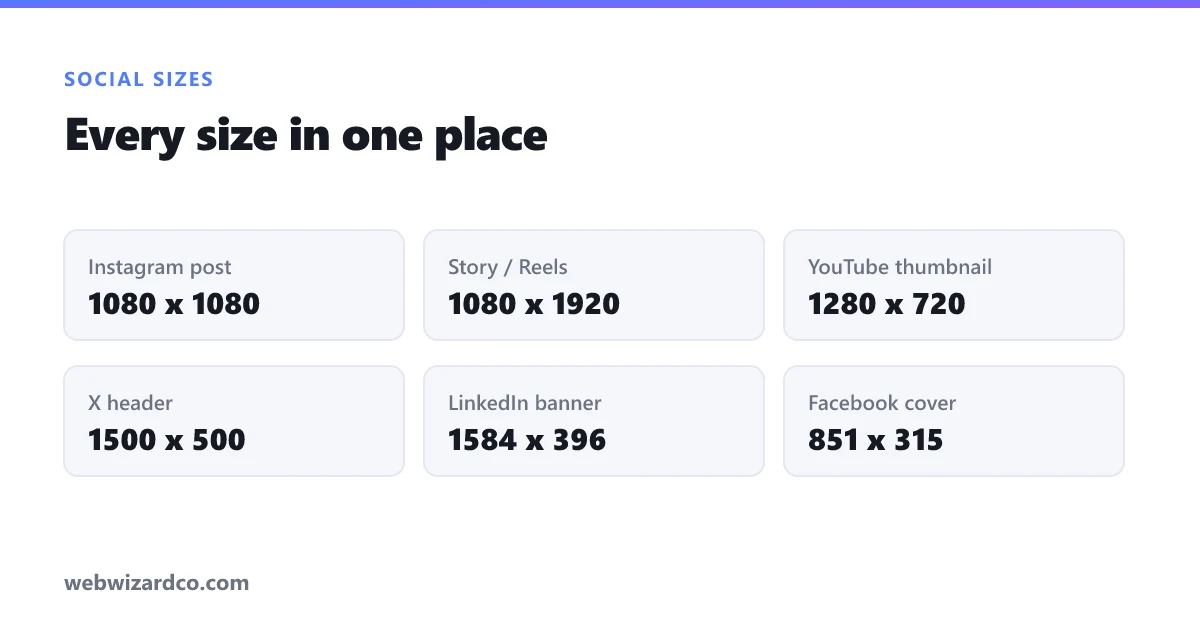
- Instagram post (square): 1080 × 1080 — preset
- Instagram Story / Reels: 1080 × 1920 — preset
- YouTube thumbnail: 1280 × 720 — preset
- TikTok video / cover: 1080 × 1920 — preset
- Facebook cover: 851 × 315 — preset
- X (Twitter) header: 1500 × 500 — preset
- LinkedIn banner: 1584 × 396 — preset
How to resize without distorting your photo
Open the image resizer, pick a preset (or type an exact size), and choose how to handle a different aspect ratio:
- Fill & crop — best for feeds; fills the frame and trims the edges.
- Fit inside — keeps the whole image and adds a background.
Everything happens in your browser, so your images are never uploaded.
One more tip: keep the file small
Large images slow your page and sometimes get rejected (YouTube thumbnails must be under 2 MB). After resizing, run the file through the image compressor to shrink it without a visible quality drop.